 Dual Camera & Teleprompter
How to record mobile gameplay with facecam on Android
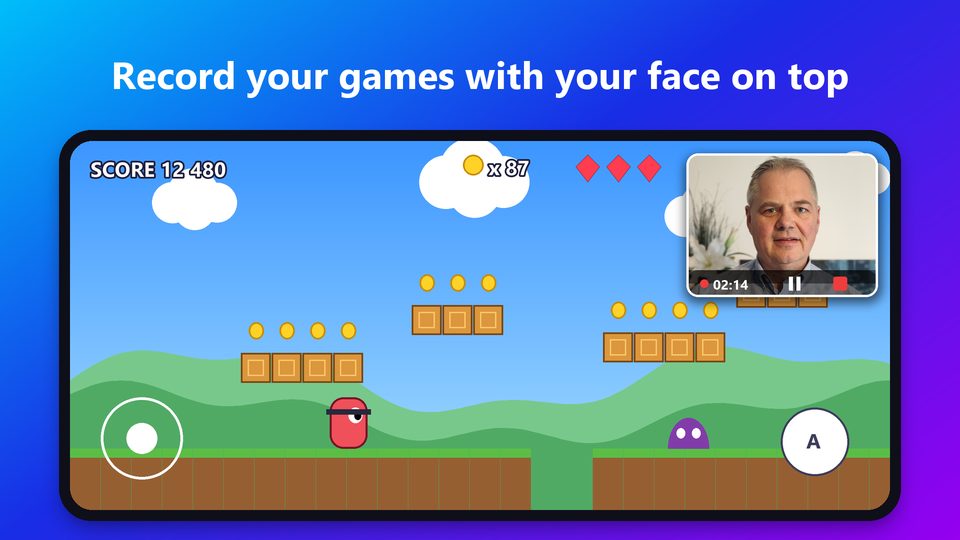
Gaming videos are more fun when people see your reactions – this is what a facecam is for. With Dual Camera & Teleprompter you record the whole phone screen – your game, the game sound and your voice – with your face from the front camera in a small window on top.
- Tap SCREEN under the camera picture.
- Tap the red button and allow screen recording.
- Open your game – your face stays on top.
- Stop with the red button on the small window.
Step by step
Switch to SCREEN mode
Under the camera picture, tap SCREEN. The app tells you that the whole screen will be recorded.
Start recording
Tap the red button. Android asks for permission to record the screen – allow it. After a 3-2-1 countdown the recording starts.
Turn on "Do not disturb" before you start, so notifications don't appear in your video.
Open your game
Go to your game as usual. Your face from the front camera stays on top in a small window. You can move it to a corner where it doesn't cover anything important.
Pause or stop
The small window shows the recording time and has buttons to pause and stop. When you stop, the video is saved with the game sound and your voice.
Find, trim and share
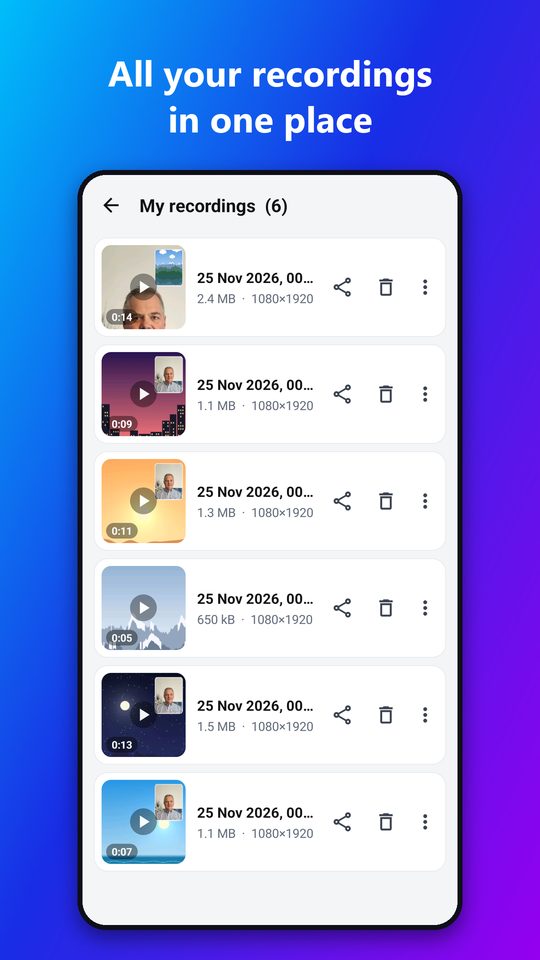
Open the app and tap the thumbnail at the bottom left. Your screen recording is in the list with your other videos – trim it and share it to YouTube, TikTok or Discord.
What people use it for
- Let's play videosYour gameplay with your face and comments, ready for YouTube.
- Short clipsYour best moments as Shorts or TikToks.
- App tutorialsShow how an app works and explain it with your face on screen.
- Help for familyRecord how to do something on the phone and send it to grandma.
Questions
Is the game sound recorded?
Yes, together with your voice from the microphone. Some games and apps block sound recording – then only your voice is recorded.
Do I need a PC or a capture card?
No. Everything happens on your phone.
Why does Android ask for permission every time?
It's an Android safety rule for screen recording: you always decide when your screen can be recorded.
Can I record in landscape?
Yes. Hold the phone sideways while playing – the video follows the screen.

Dual Camera & Teleprompter
Both cameras in one video, with a built-in teleprompter and screen recording.
Coming soon to Google Play