 Dual Camera & Teleprompter
How to record with the front and back camera at the same time on Android
The normal camera app records with one camera at a time. With Dual Camera & Teleprompter you film yourself and what you see together, in one video: the view in full screen and your face in a small window, or the other way round.
- Open Dual Camera & Teleprompter.
- Tap the eye in the top-right corner to turn on the second camera.
- Move, resize or swap the small window.
- Tap the red button. Both cameras are saved in one video.
Step by step
Open the app
The app starts with your face from the front camera on the main screen, like a normal selfie video. In the top-right corner you'll see a dashed frame that says Hidden in the video. That's where the second camera goes.
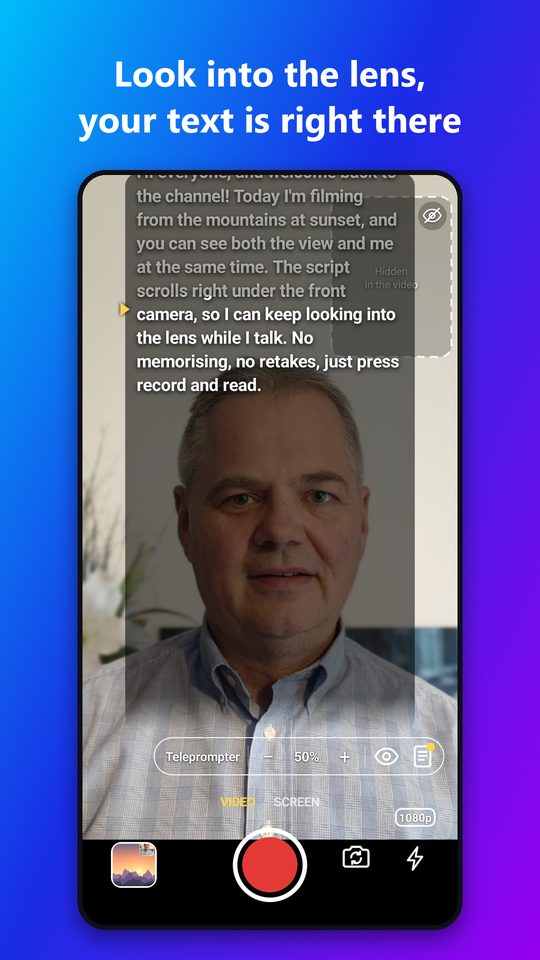
Turn on the second camera
Tap the eye in the dashed frame. The back camera appears in the small window. Now both cameras are on.
Tap the eye again at any moment, even while recording, to hide the small window. It's hidden in the video too.
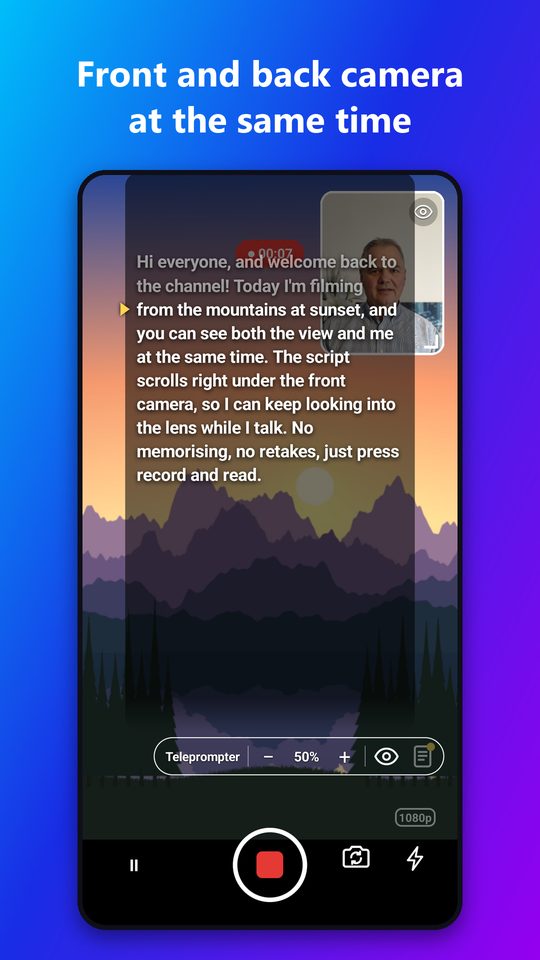
Arrange the picture
Move: drag the small window with your finger.
Resize: drag its bottom-right corner.
Swap: tap the ⇄ button next to the red button to choose which camera is big.
Hold the phone upright for 9:16 videos (Shorts, Reels, TikTok) or turn it sideways for 16:9.
Record
Tap the red button to start and tap it again to stop. Everything you see on the screen, both cameras and the sound, is saved in one MP4 file. There's nothing to edit or put together afterwards.
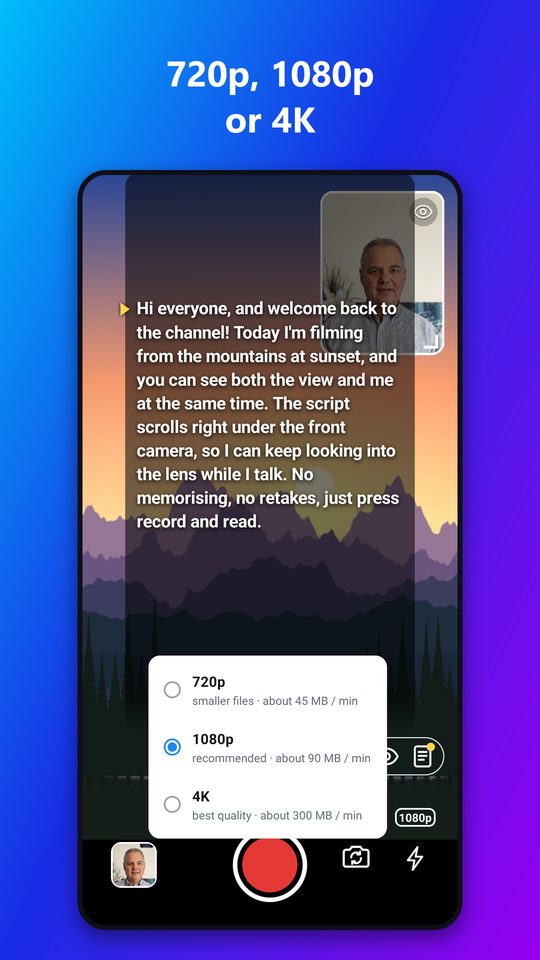
Want better quality? Tap 720p above the buttons and choose 1080p or 4K before you start (4K only on phones that support it).
Watch, trim and share
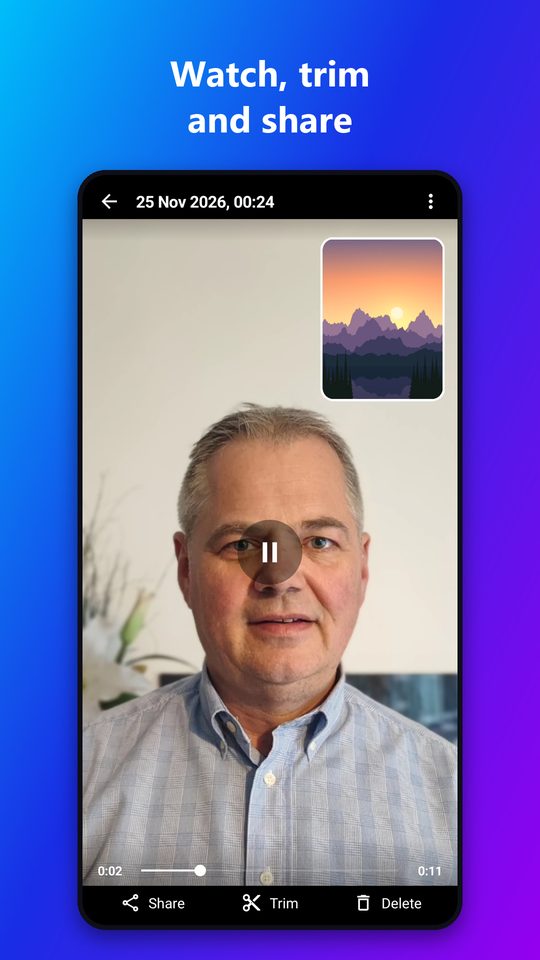
Tap the thumbnail at the bottom left to open your recordings. Watch the video, cut the start and end with Trim, and send it to YouTube, TikTok, WhatsApp or anywhere else with Share.
What people use it for
- Reaction videosYour face reacting while the back camera shows what's happening.
- Travel and vlogsThe view and you telling the story, in one shot.
- TutorialsShow your hands at work and talk to the camera at the same time.
- Family momentsFilm the kids and keep yourself in the memory too.
Questions
Does my phone support recording with both cameras at once?
Many Android phones can run both cameras together, even if the maker doesn't advertise it. The app checks this when it starts and tells you if your phone can't do it.
Is it one video or two separate files?
One video. The big picture and the small window are saved together in a single MP4 file, ready to share.
Can I hide the small window while recording?
Yes. Tap the eye on the small window. It's hidden in the recording too, and you can turn it back on at any moment.
Is the app free?
Yes. No ads, no account and no internet access. Your videos stay on your phone.

Dual Camera & Teleprompter
Both cameras in one video, with a built-in teleprompter and screen recording.
Coming soon to Google Play